
Feature by Jessica Holmes
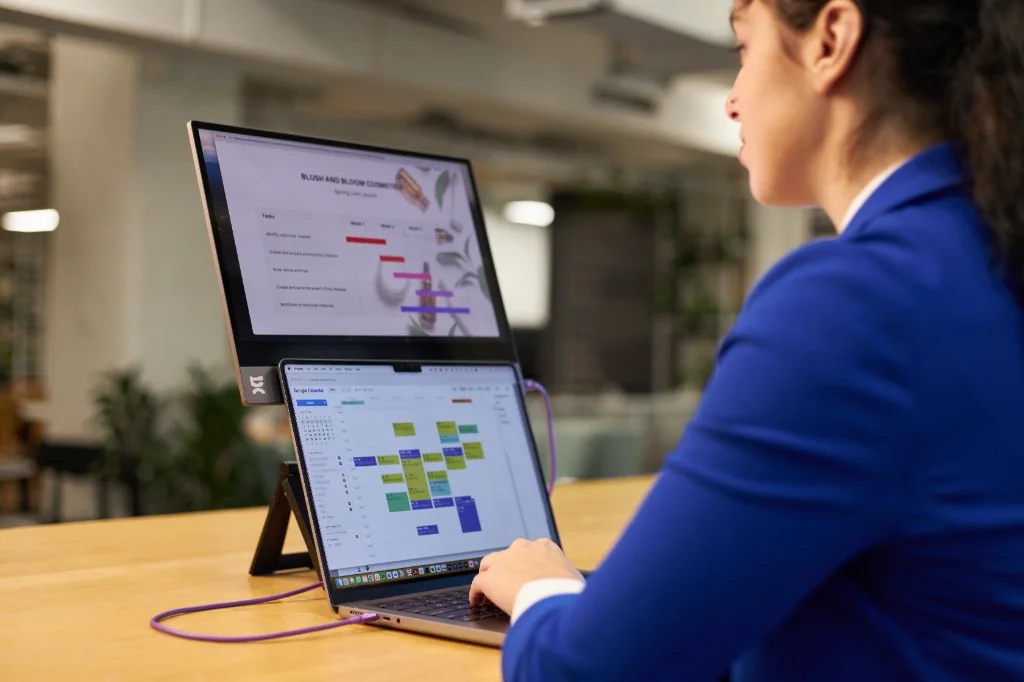
When your office fits in a backpack and your desk changes time zones weekly, efficiency is everything. Enter: portable monitors — the productivity hack you didn’t know you needed, or perhaps you did, but you’ve been too busy living life to prioritize getting the right one. Whether you’re building a pitch deck in Tbilisi, editing content on a train to Barcelona, or deep in spreadsheets from a beach café in Mexico, an extra screen can make a massive difference.
Once reserved for hardcore gamers or finance pros, portable monitors have become an essential tool for digital nomads and remote workers. Lightweight, slim, and surprisingly powerful, they plug into your laptop (or phone) and instantly double your screen space — meaning fewer tabs, less toggling, and more focused work.
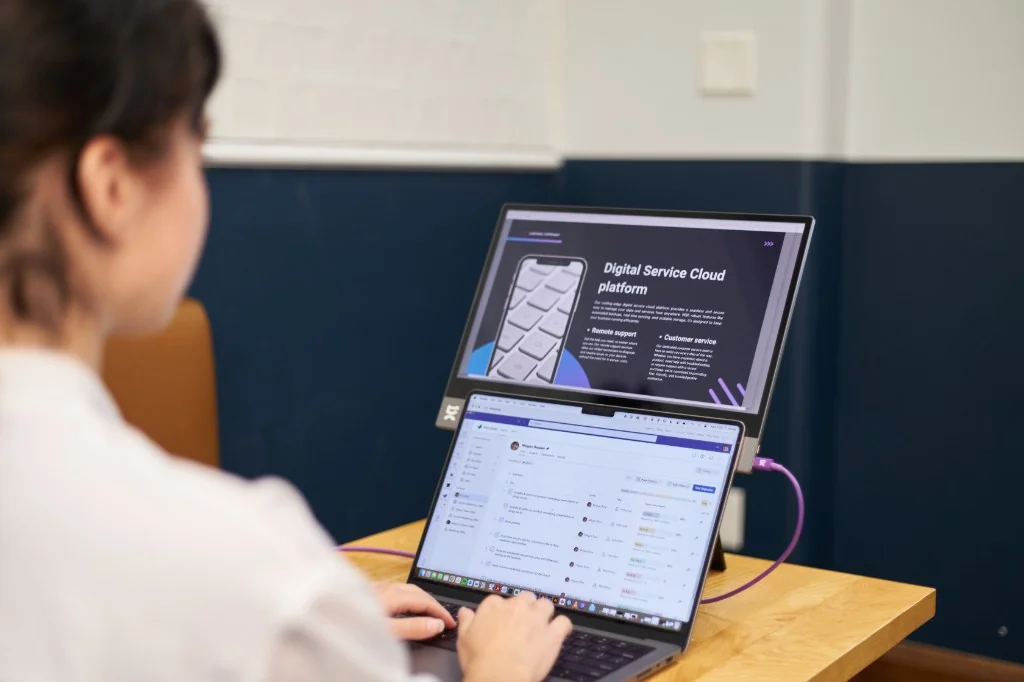
For freelancers, founders, and full-time travelers, these portable monitors are helping to redefine what a productive, mobile lifestyle looks like. Sure, you can consider starting with what you’ve got and even an iPad can double as a second screen. But for longer work sessions, serious multitasking, or when you need more ports and pro-level flexibility, portable monitors are built to level up your setup wherever you are. Here are our top picks.
ASUS ZenScreen
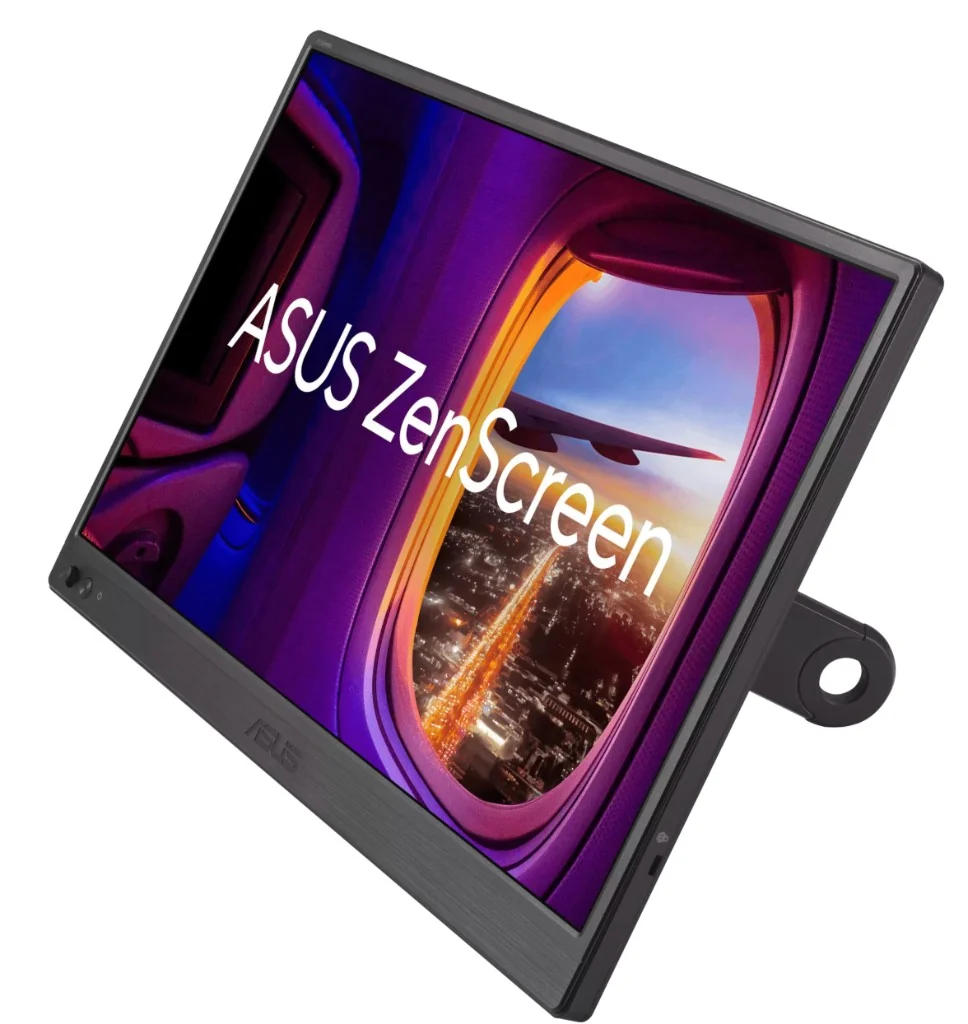
Sleek, simple, and seriously effective. The ZenScreen is a fan favorite for remote professionals. It connects via USB-C and is ultra-light (just 770g), making it perfect for on-the-go work. The matte display reduces glare when you’re working poolside (we see you, rebels), and the smart case folds into a stand so you can set up shop anywhere.
KYY 15.6” Portable Monitor K3
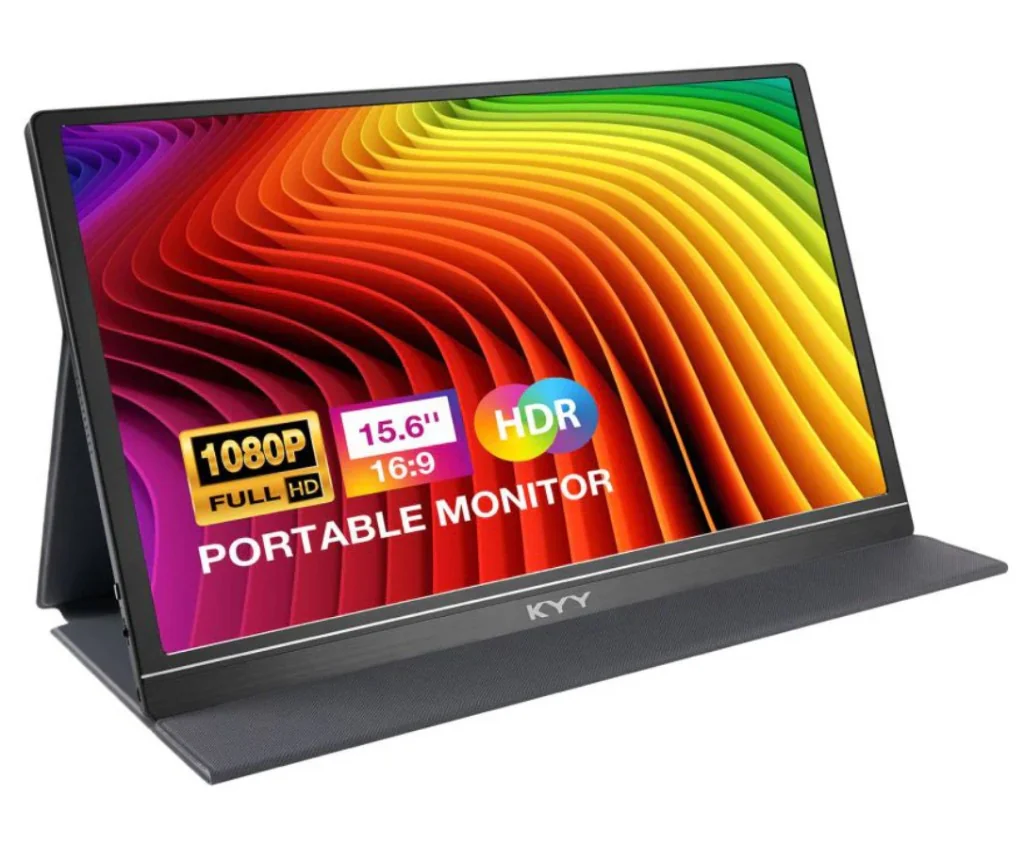
A budget-friendly, lightweight (770g!) favorite with a 1080p IPS display, dual USB-C ports, Mini-HDMI, and built-in speakers. The foldable smart cover doubles as a stand, making it easy to set up anywhere. Ideal for remote work, quick setups, or turning any table into a dual-screen workstation without breaking the bank or your back. See the KYY 15.6” Portable Monitor K3.
Espresso Display 15”
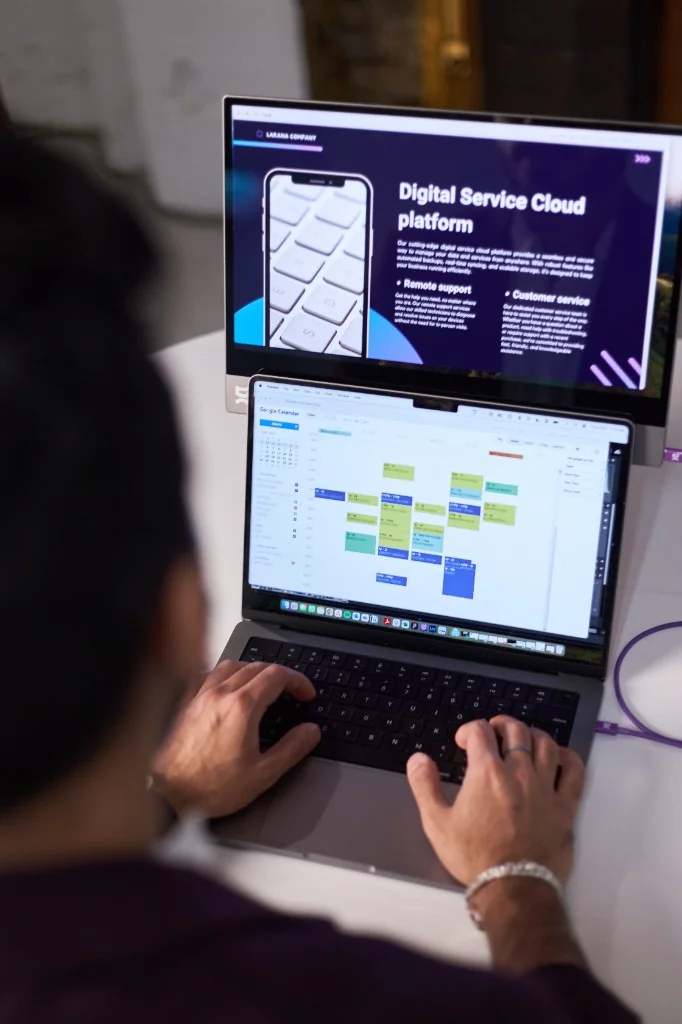
The minimalist’s dream. This ultra-thin monitor looks like it belongs in a design museum. At just 5.5mm thick and weighing under 900g, it’s ideal for creatives, visual editors, and anyone who likes their gear as stylish as their destinations. The optional magnetic stand is sleek and stable, and the quick response time adds another layer of productivity. Shop the Espresso Display 15”.
Desklab 4K Touchscreen Monitor
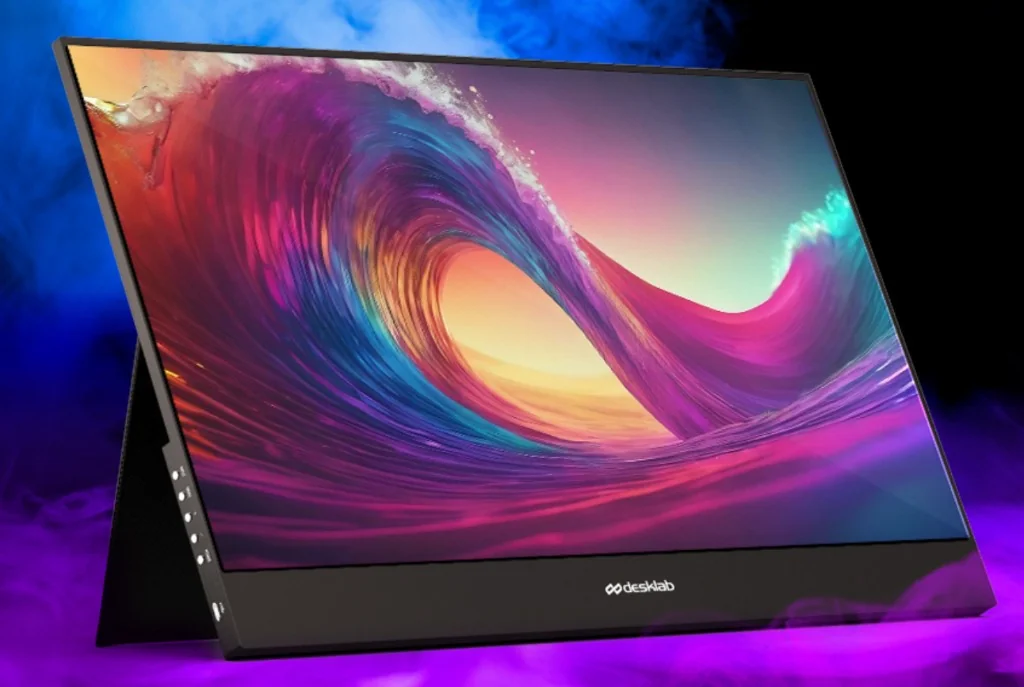
If you’re the kind of person who never skimps on gear, the Desklab is your high-performance pick. With 4K resolution, universal compatibility, and touch functionality, this portable monitor feels like a luxury workstation in your carry-on. Perfect for video editors, photographers, or those who just really, really like beautiful screens. Explore the Desklab 4K Touchscreen Monitor.
Xreal One (Curveball)
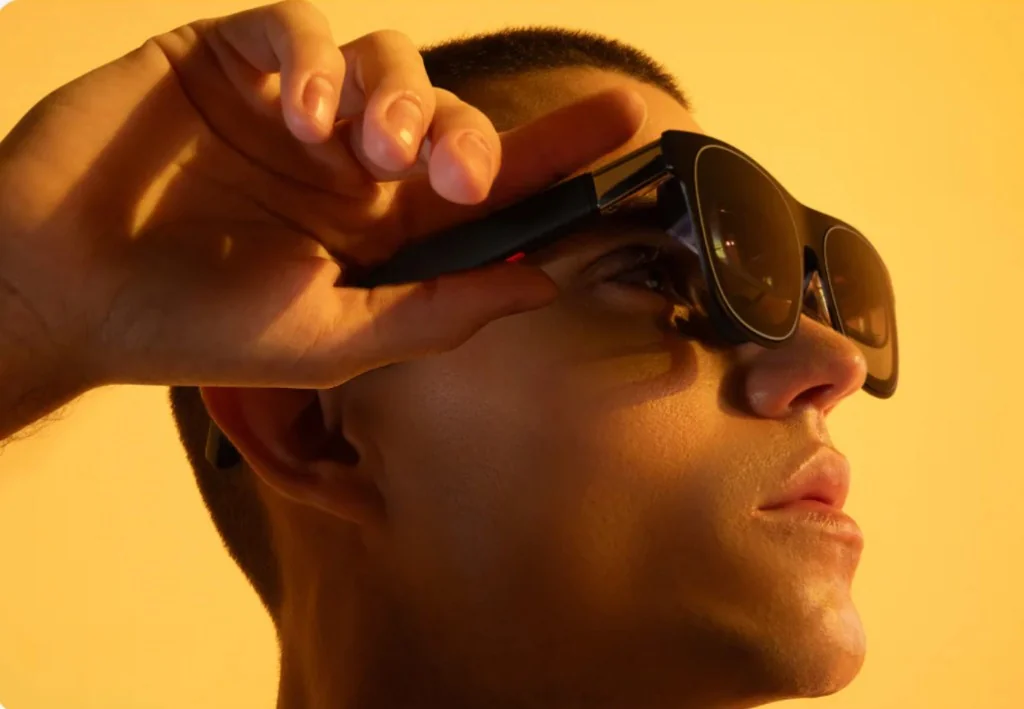
Not exactly a monitor in the traditional sense, but definitely worth a mention. The Xreal One is part augmented reality headset, part next-gen display. Plug it into your laptop or phone, and suddenly your “second screen” is floating in your field of vision like a sci-fi command center. It’s lightweight, immersive, and incredibly cool if you’re into futuristic workflows or want to present content in a totally unique way. It’s a wildcard, yes, but for creative professionals, tech lovers, or those simply bored of flat screens, it’s a seriously intriguing option.
Why Portable Monitors Are Essential for Remote Work
Portable monitors are quickly becoming a must-have for remote professionals who value efficiency and flexibility. By expanding your digital workspace, you can reduce the friction of switching between tabs and applications, allowing for smoother multitasking and improved productivity. Whether you’re coding, designing, or managing projects, having a second screen improves focus and workflow consistency, especially in changing environments.
Key Features to Look for in a Portable Monitor
When choosing the best portable monitor, you should consider display quality, weight, connectivity, and durability. A full HD or 4K resolution ensures crisp visuals, while USB-C compatibility simplifies setup. Lightweight designs are crucial for travel, and built-in stands or covers enhance usability. Battery-free models powered by your device can also reduce the need for extra charging cables.
Best Portable Monitors for Travel and Digital Nomads
For digital nomads, portability is everything. Slim profiles and universal compatibility make certain models stand out. Monitors that easily fit into a backpack without adding bulk are ideal for frequent flyers and café workers alike. Choosing the right device can turn any location into a reliable workspace, whether you’re in a coworking hub or a hotel room.
Portable Monitor Setup Tips for Maximum Efficiency
Getting the most out of your portable monitor comes down to how you set it up. Position your second screen at eye level to avoid strain and create a more natural workflow. Use it as an extension rather than a mirror of your main display so you can spread out tasks — try emails and message apps on one screen, focused work on the other.
If you’re working in public spaces, consider screen brightness and anti-glare settings to maintain visibility in different lighting conditions. A compact stand or adjustable case can also make a big difference, helping you stay comfortable and productive wherever you land.
How Portable Monitors Improve Productivity
Using a portable monitor can significantly boost productivity by creating a more structured workflow. It allows users to dedicate one screen to communication tools while keeping their main tasks uninterrupted on another. This separation reduces distractions and helps maintain a deeper focus, which is essential when working across time zones or tight deadlines.
Your Desk Just Got a Passport
At the end of the day, staying productive means being strategic with your gear. Portable monitors are no longer a luxury — they’re a secret weapon for focus, flow, and flexibility on the road.
So go ahead and book that one-way ticket, just make sure your gear’s as ready as you are. Leveling up your carry-on workspace has never been easier, and with the right setup, you can turn any table, café, or airport lounge into a productivity zone.
About the author

Jessica Holmes is a writer and senior editor at Nomad Magazine. Follow her on Instagram @hitchedhikingandhousesitting.